
Notice: Function _load_textdomain_just_in_time was called incorrectly. Translation loading for the wp-slimstat domain was triggered too early. This is usually an indicator for some code in the plugin or theme running too early. Translations should be loaded at the init action or later. Please see Debugging in WordPress for more information. (This message was added in version 6.7.0.) in /home/kusanagi/u-ff.com/DocumentRoot/wp-includes/functions.php on line 6121
iPhoneやAndroidで緊急速報をオフにする方法 | 3分ニュース: にゃんぷん

iPhoneやAndroidで緊急速報をオフにする方法

この記事は約2分で読めます。

iPhoneで緊急速報をオフにする方法

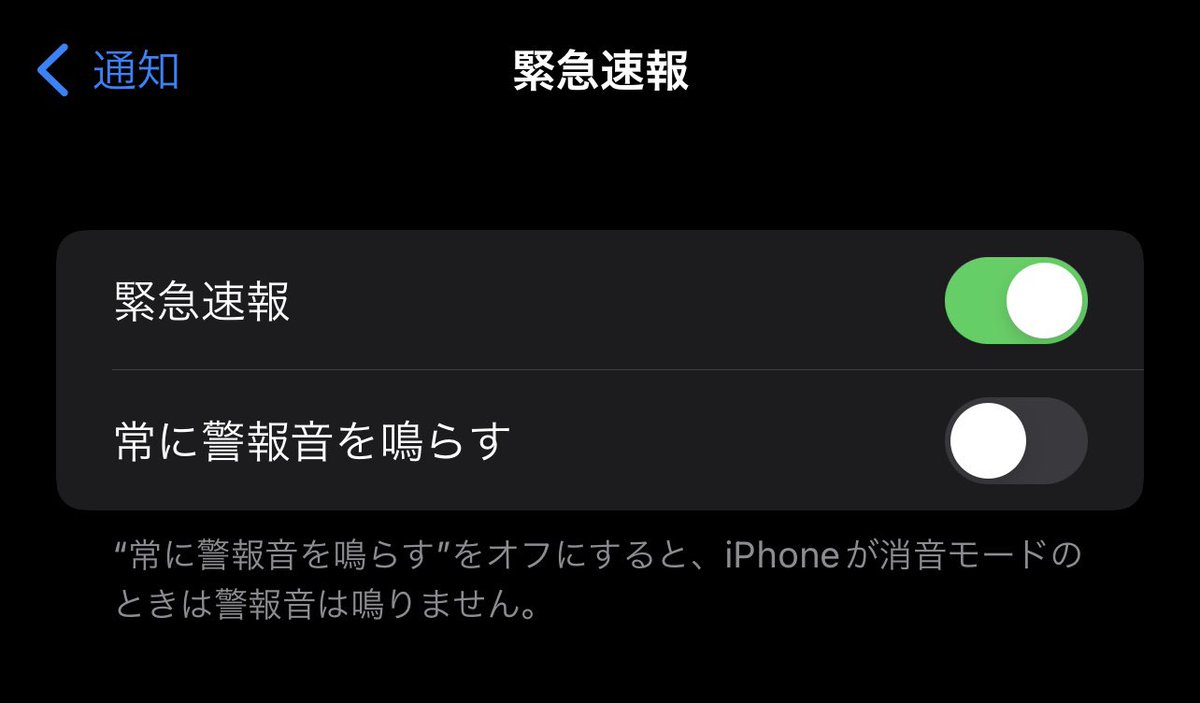
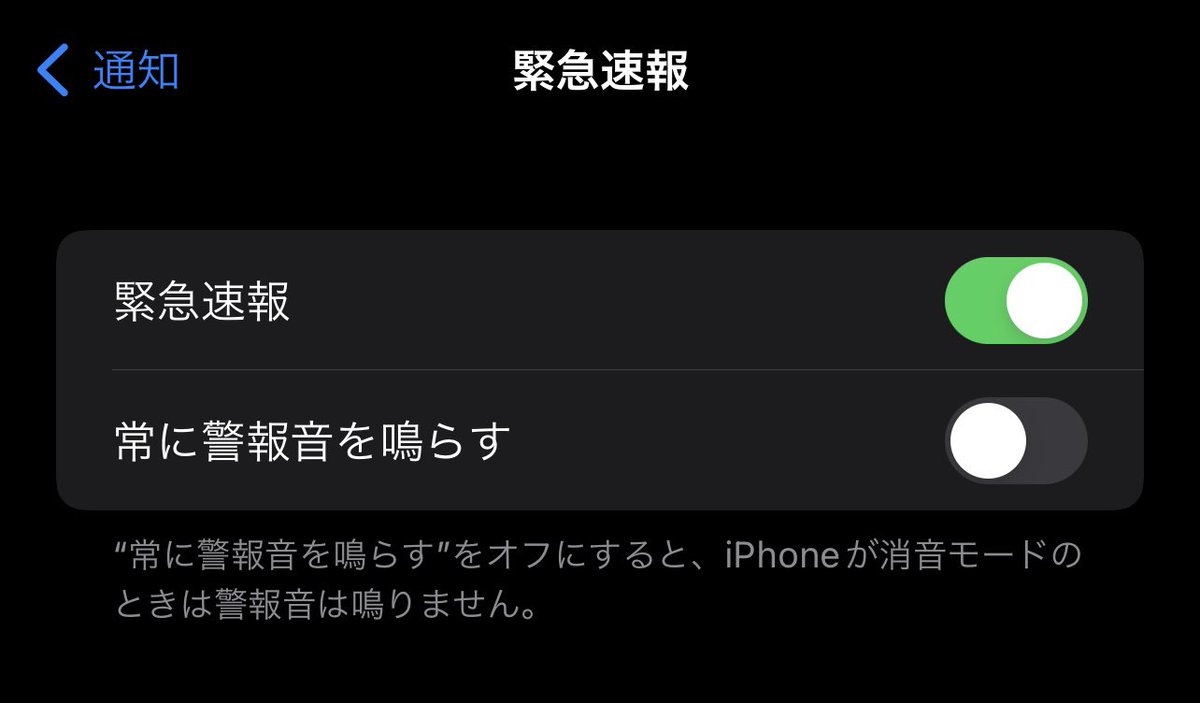
  1. 「設定」>「通知」>「緊急速報」を開く
  2. 「緊急速報」と「常に警報音を鳴らす」をオフにする

上記の操作で、緊急速報をオフにできます。

「常に警報音を鳴らす」だけをオフにすれば、
マナーモードのときに音が鳴らなくなります。
オンにすると、マナーモードでも関係なしに爆音が鳴ります。

Androidで緊急速報をオフにする方法

  1. 「設定」>「アプリと通知」>「詳細設定」>「緊急速報メール」を開く
  2. 「緊急速報メールの許可」をオフにする

上記の操作で、緊急速報をオフにできます。

「緊急速報メールの許可」をオンにして、
「常に最大音量で通知音を鳴らす」をオフにすれば、
サイレントモードやマナーモードなどの音量設定に従うようにできます。

Androidのバージョンによっては、微妙に設定画面が違う可能性があります。

神奈川県で緊急速報を大量に送り付ける被害が発生

2022年1月16日のトンガ大噴火で、神奈川県だけ、緊急速報を600回も鳴らしています。

しかも、夜中だったため、眠れないという苦情が殺到しています。

2020年5月、神奈川県の前科

神奈川県は、2020年5月に、
まったく緊急ではない、ただのお知らせを、
緊急速報で送り付けた前科もあります。

まとめ

同じ通知が何度もきて困った場合は、
スマホの設定により、緊急速報を受信しないように変更することが可能です。

緊急速報をオフにした場合は、
翌日にはオンに戻すことをおすすめします。

ずっとオフにしたままだと、本物の緊急時に対処できないので。

コメント

This website stores cookies on your computer. These cookies are used to provide a more personalized experience and to track your whereabouts around our website in compliance with the European General Data Protection Regulation. If you decide to to opt-out of any future tracking, a cookie will be setup in your browser to remember this choice for one year.

Accept or Deny

タイトルとURLをコピーしました